
Connected to the systems you already work with.
Keyline connects your machines, accounting, shipping and the apps you use. Adapters, apps and an open API connect your systems. We are developing an MCP server for AI assistants.
Keyline in the middle, everything else connected.
- Built in
- Adapter or app
- In development
Machines & prepress
- Heidelberg PrinectAdapter or app
- HP PrintOSAdapter or app
- Local connectorAdapter or app
- JDF/JMFAdapter or app
- CIP3/CIP4Adapter or app
Accounting & invoices
- XRechnungBuilt in
- ZUGFeRDBuilt in
- Incoming e-invoicesBuilt in
- DATEVAdapter or app
Shipping & warehouse
- DHLAdapter or app
- DPDAdapter or app
- UPSAdapter or app
- GLSAdapter or app
- HermesAdapter or app
- DHL ExpressAdapter or app
- Deutsche PostAdapter or app
Connected through Shipcloud. Available services depend on your carrier contract and Shipcloud plan.
Apps & automation
- Open APIBuilt in
- WebhooksBuilt in
- MCP server for AI assistantsIn development
Keyline Classic
- Classic bridgeBuilt in
Your system isn't listed?
Most systems can be connected through an integration. Tell us what you work with, and we will find out how to connect it.
Ask about your systemMade for AI and low-code tools.
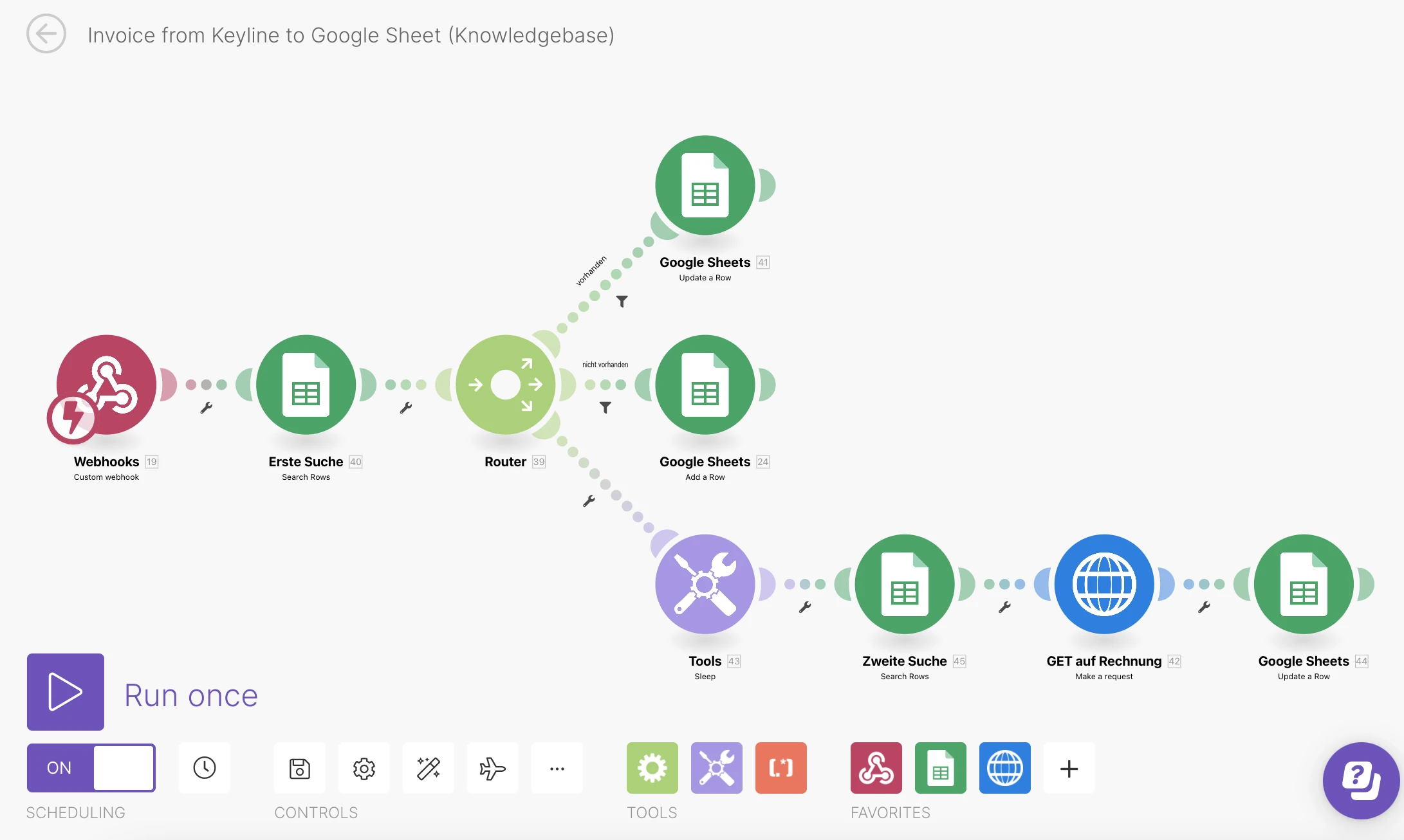
Automation platforms and AI models work with Keyline through the API and webhooks. Connect a web shop, automate a report or pass new orders on to another system, without building a full integration.
AI in Keyline- Low-code and automation tools connect through the API and webhooks
- Clear data structures that AI models can read and work with
- Assistants inside Keyline create jobs from a written request, read incoming invoices and recognize photo proofs
- The system suggests, you decide
In development
The Keyline MCP server.
MCP, the Model Context Protocol, is an open standard that lets AI assistants such as Claude or ChatGPT work directly with other software. We are building an MCP server for Keyline, so your assistant can look things up and prepare work in Keyline for you.
As everywhere in Keyline, the assistant suggests and you decide.
Want to try it early? Talk to us.What it is meant to do
- “Tell you where an order stands right now”
- “Draft an estimate from a customer's e-mail”
- “List the jobs that are due for shipping this week”
Frequently asked questions
Does Keyline support JDF/JMF?
Yes, through an adapter that connects Keyline to your JDF/JMF workflow.
Can Keyline work with CIP3/CIP4?
Yes, CIP3/CIP4 is connected through an adapter.
Is there a DATEV export?
Yes. DATEV is connected through an adapter or app, so your tax advisor gets the data in the format they work with.
Can we connect our own systems and web shops?
Yes, through the open API and webhooks. For systems without a suitable interface, an adapter is the way.
Do adapters cost extra?
Answerto confirm
When will the MCP server be available?
It is in development, and there is no release date yet. If you want to try it early, talk to us.
Let’s talk.
Have a question about Keyline or want to talk about your print shop? Send us a message. Georg Schott will get back to you personally. If you would like to see Keyline in action, simply select your interest in a demo.

Georg Schott
Your personal contact